
产品展示
联系我们
联系人:麦女士
手机:+86 15270269218
电话:
Q Q:3136378118
邮箱:stodcdcs@gmail.com
地址:江西省九江市瑞昌市东益路23号赛湖农商城401号
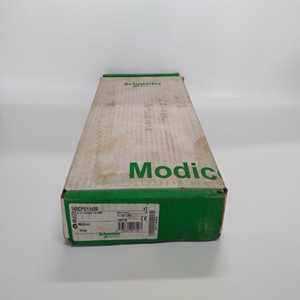


TSXCCT200
您可以使用显示器配置数字输出。
注意:建议您使用ION设置来配置数字输出
(s) ,因为需要文本输入的设置参数只能使用修改
软件
1、导航至Maint>Setup。
2、输入设置密码(默认为“0”),然后按OK。
3、导航至输入/输出>输出。
4、移动光标指向要设置的数字输出,然后按
编辑
5、根据需要编辑参数。
a、 移动光标指向要修改的参数,然后按
编辑
b、 根据需要修改参数,然后按OK。
c、 移动光标指向要修改的下一个参数,按
编辑,进行更改,然后按OK。
注意:如果未显示Edit,则表示该参数为只读
或者只能通过软件进行修改。
6、按向上箭头退出。按Yes保存更改。
使用ION设置配置数字输出
您可以使用离子设置来配置数字输出。
1、启动离子设置。
2、连接电表。
3、导航至输入/输出配置>输入/输出设置。
4、选择要配置的数字输出,然后单击编辑。
将显示该数字输出的设置屏幕。
5、在标签字段中输入数字输出的描述性名称。
6、根据需要配置其他设置参数。
7、单击“发送”保存更改。
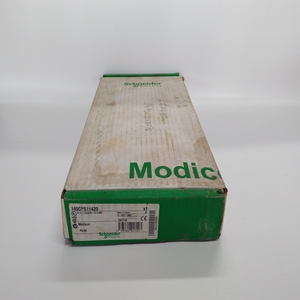
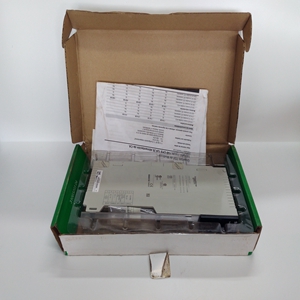
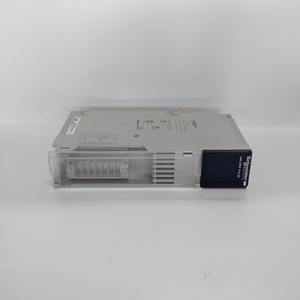
You can use the display to configure the digital output(s). NOTE: It is recommended you use ION Setup to configure the digital output (s), as setup parameters that require text entry can only be modified using software. 1. Navigate to Maint > Setup. 2. Enter the setup password (default is “0”), then press OK. 3. Navigate to I/O > D Out. 4. Move the cursor to point to the digital output you want to set up, then press Edit. 5. Edit the parameters as required. a. Move the cursor to point to the parameter you want to modify, then press Edit b. Modify the parameter as required, then press OK. c. Move the cursor to point to the next parameter you want to modify, press Edit, make your changes, then press OK. NOTE: If Edit is not displayed, it means the parameter is either read-only or can only be modified through software. 6. Press the up arrow to exit. Press Yes to save your changes. Configuring digital output(s) using ION Setup You can use ION Setup to configure the digital output(s). 1. Start ION Setup. 2. Connect to your meter. 3. Navigate to I/O configuration > I/O Setup. 4. Select a digital output to configure and click Edit. The setup screen for that digital output is displayed. 5. Enter a descriptive name for the digital output in the Label field. 6. Configure the other setup parameters as required. 7. Click Send to save your changes.
相关产品


