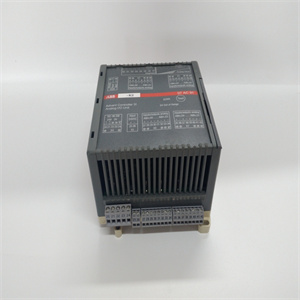
产品展示
联系我们
联系人:麦女士
手机:+86 15270269218
电话:
Q Q:3136378118
邮箱:stodcdcs@gmail.com
地址:江西省九江市瑞昌市东益路23号赛湖农商城401号
Westinghouse Proprietary Class 2C
3-3. Creating the AUTOEXEC.BAT File
In order to enable the interface to start automatically when power is applied to the
LC or when the LC is reset, create an LC AUTOEXEC.BAT file containing the
following line:
dlmodbus -f <file> [-command line option(s)]
The command line options are identified below (see Table 3-1 for a complete
description of the options):
Note
See Section 4 for instructions on installing this file on
the LC card.
Table 3-10. Command Line Options
Command
Line Option
Configuration File
Parameter
Description
file N/A Name of the point group configuration file. The file name
cannot have any extensions.
-f PointGroupDefFile Specifies configuration file (default = MOD.GRP)
-baud baud Baud rate. See Table 3-1 for additional information.
西屋专有2C级
3-3. 创建AUTOEXEC。星期和日付的转换
为了使接口在电源接通时自动启动
LC或重置LC时,创建LC AUTOEXEC。包含
下面一行:
dlmodbus-f<file>[-命令行选项]
下面列出了命令行选项(有关完整信息,请参见表3-1)
选项说明):
笔记
有关在上安装此文件的说明,请参见第4节
信用卡。
表3-10。命令行选项
命令
行选项
配置文件
参数
描述
文件N/点编组配置文件的名称。文件名
不能有任何扩展。
-f PointGroupDefFile指定配置文件(默认值=MOD.GRP)
-波特率。更多信息见表3-1。
相关产品