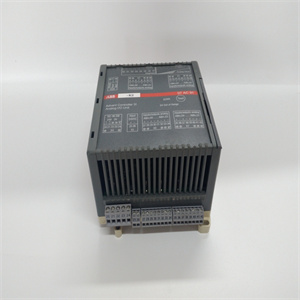
产品展示
联系我们
联系人:麦女士
手机:+86 15270269218
电话:
Q Q:3136378118
邮箱:stodcdcs@gmail.com
地址:江西省九江市瑞昌市东益路23号赛湖农商城401号
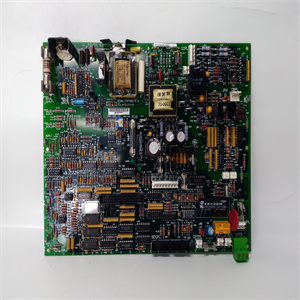
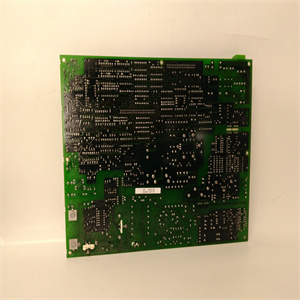
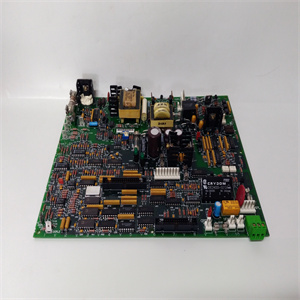
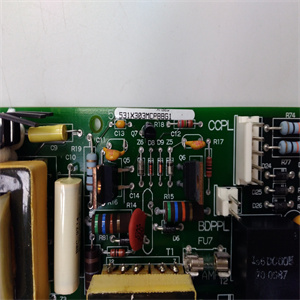
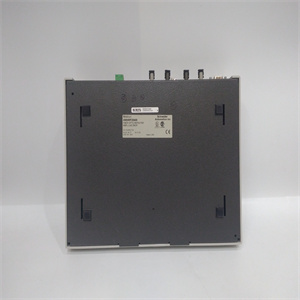
Controller module hardware and initializing access from the PC host.
Once the LC module ram disk has been formatted and the DOS operating system
has been loaded (these steps are typically performed during factory testing and
needn’t be repeated), preparing the Ovation LC module for operation as Modbus
master involves the following steps:
1. Copy the Ovation LC/Modbus executable program dlmodbus.exe to the
Ovation LC module ram disk.
2. Prepare the configuration file (described in Section 3) and copy it to the Ovation
LC module ram disk.
3. Copy the autoexec.bat file (described in Section 3) to the LC ram disk.
4. Copy the ram disk image to the non-volatile Ovation LC module flash memory
using the utility rlcflash.exe.
5. Reset the Ovation LC module by removing the LC electronics module from the
base unit and reinstalling it. Alternatively, the module may be reset by pressing
the key sequence Ctrl-Shift-Del.
Observe on the PC host as the LC module starts, boots DOS, and starts the link
software.
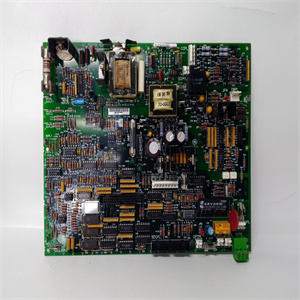
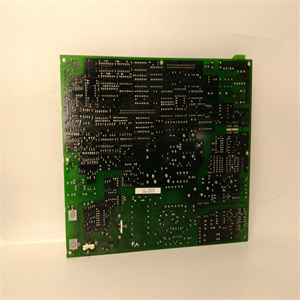
控制器模块硬件和初始化从PC主机的访问。
LC模块ram磁盘格式化后,DOS操作系统
已加载(这些步骤通常在工厂测试和
无需重复),准备Ovation LC模块作为Modbus运行
master包括以下步骤:
1.复制Ovation LC/Modbus可执行程序dlmodbus。exe到
Ovation LC模块ram磁盘。
2.准备配置文件(如第3节所述),并将其复制到Ovation
LC模块ram磁盘。
3.复制autoexec。bat文件(如第3节所述)到LC ram磁盘。
4.将ram磁盘映像复制到非易失性Ovation LC模块闪存中
使用实用程序rlcflash。exe。
将LC电子模块从上拆下,重置Ovation LC模块
安装基本单元并重新安装。或者,可以通过按重置模块
按键顺序为Ctrl-Shift-Del。
在PC主机上观察LC模块启动、引导DOS和启动链接
软件
相关产品